For a long time, networking was a topic I knew I had to understand but never knew where to start. As a backend developer I was comfortable with applications, databases, APIs, queues, caching, and deployments. I could build real projects and debug real problems. But every time I tried to learn networking seriously, things got messy fast.
One course starts with the OSI model. Another article jumps straight into subnet masks and binary math. A cloud tutorial throws VPCs, route tables, NAT Gateways, Internet Gateways, and CIDR ranges at you in the first ten minutes. At some point you ask yourself: what am I supposed to understand first?
The problem was never that networking is impossible. The problem is order. Most networking resources start from packets, frames, and routing protocols, while a backend developer's real questions are much simpler. I deployed my app — how does traffic actually reach it? How does my server talk to the database? Why is this server private but still able to download packages from the internet?
When you deploy to shared hosting, you can avoid all of this. Upload the files, connect the database, point the domain, configure .env, done. But the moment you move to anything bigger — a VPS, AWS, load balancers, managed databases, Docker, Kubernetes — networking appears everywhere. IP addresses, subnets, route tables, gateways, firewalls. They stop being optional vocabulary and become part of your daily work.
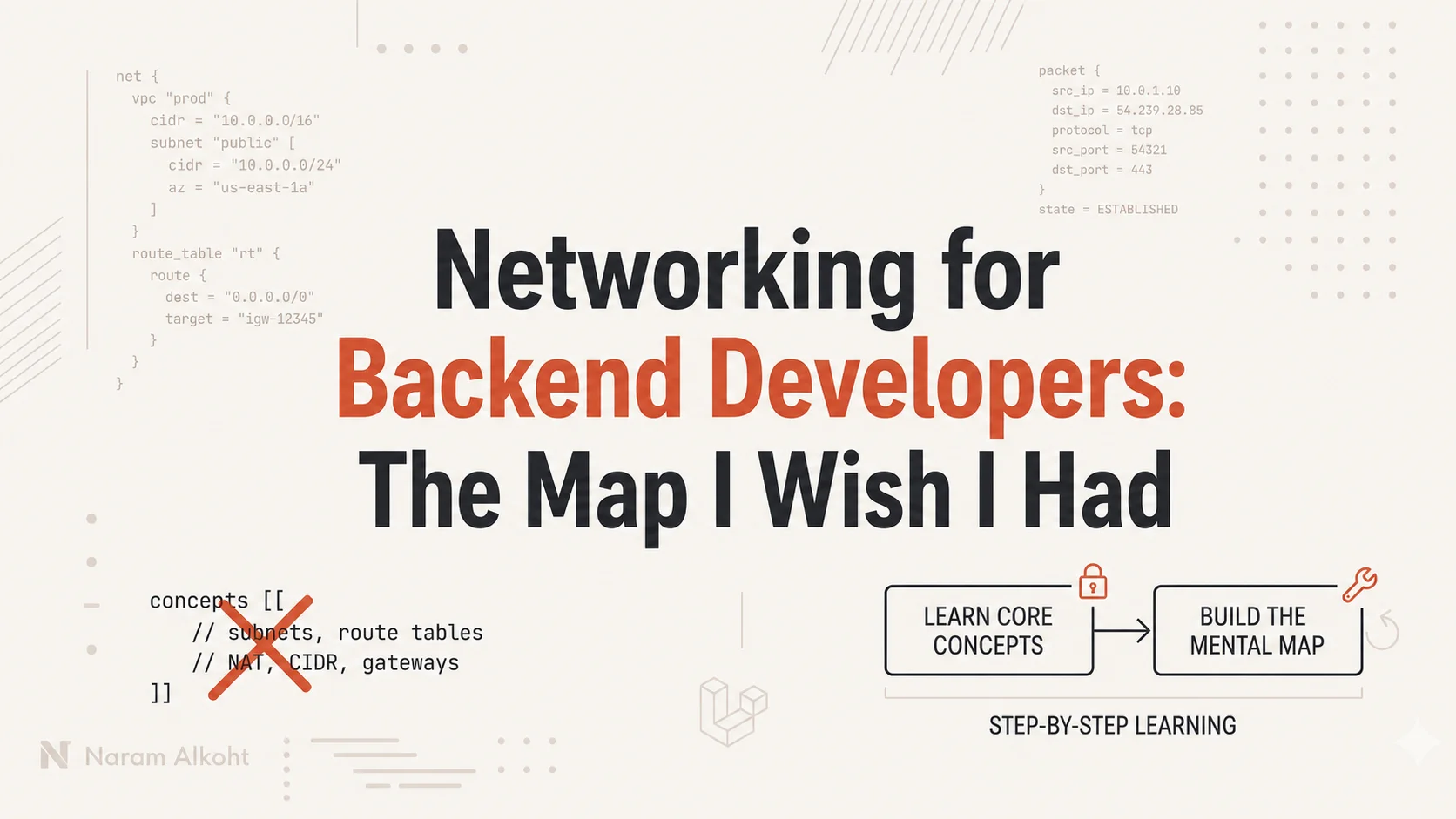
This article is not a deep networking course, and it will not make you a network engineer. It is the map I wish I had: the concepts in the right order, so that when you later study AWS, Docker networking, Kubernetes, or cloud architecture, you are not completely lost.
The map
This is the order that finally made sense to me:
IP address
Private IP vs public IP
CIDR
Network
Subnet
Route table
Public subnet vs private subnet
Internet Gateway
NAT
Firewall / Security Group
The order matters because each concept depends on the one before it. You cannot understand subnets while IP ranges are still confusing. You cannot understand public and private subnets without route tables. You cannot understand NAT without private networks. Learn them out of order and every concept feels disconnected.
So let's build it step by step.
1. IP address: the first building block
An IP address is the address of a device inside a network.
192.168.1.10
10.0.1.25
172.31.5.100
Your laptop has one. Your phone has one. Your server and your database server have one. Anything that wants to communicate on a network needs an address, because when one device sends data to another, it has to know where to send it.
A simple way to think about it: the network is a city, each device is a house, and the IP address is the house address.
You do not need binary math to start. You only need this idea: an IP address identifies a device inside a network. Everything else builds on it.
2. Private IP vs public IP
Not all IP addresses are the same. Some are private, some are public, and the difference will follow you everywhere in cloud work.
A private IP is used inside a private network. Your home network probably looks something like this:
Router: 192.168.1.1
Laptop: 192.168.1.10
Phone:  192.168.1.11
TV:     192.168.1.12
These addresses work inside your home network, but nobody on the internet can open 192.168.1.10 and reach your laptop. 192.168.x.x is a private range, reserved for internal networks. The common private ranges are:
10.0.0.0     → 10.255.255.255
172.16.0.0   → 172.31.255.255
192.168.0.0  → 192.168.255.255
A public IP is reachable from the internet: 54.20.30.40, 18.184.22.5, and so on.
In cloud environments, a server often has both:
Private IP: 10.0.1.10
Public IP:  54.20.30.40
The private IP handles communication inside the network. The public IP handles communication with the internet.
3. CIDR: how we write IP ranges
After IP addresses, the next thing that confuses people is notation like this:
10.0.0.0/16
10.0.1.0/24
192.168.1.0/24
It looks strange at first, but the idea is simple: CIDR is a way to describe a range of IP addresses. 10.0.1.0/24 means the range from 10.0.1.0 to 10.0.1.255, which is 256 addresses in total.
The number after the slash tells you how large the range is. IPv4 addresses have 32 bits, and the formula is:
Total IP addresses = 2^(32 - CIDR)For /24: 32 − 24 = 8, and 2^8 = 256 addresses.
For /16: 32 − 16 = 16, and 2^16 = 65,536 addresses.
A rough shortcut: /16 is a big range, /24 is a smaller one, /28 is tiny. You do not need to master CIDR calculations on day one. Knowing that CIDR tells you how big an IP range is — that is enough to continue.
4. Network: the bigger container
A network is a group of IP addresses that belong together.
10.0.0.0/16This is a big private network containing every address from 10.0.0.0 to 10.0.255.255. In AWS this is called a VPC. Other environments use different names, but the idea is the same: a private space where your servers live and communicate.
Network: 10.0.0.0/16

Server A: 10.0.1.10
Server B: 10.0.2.10
Database: 10.0.3.10
All three resources sit inside the same private network, which means they can potentially communicate over private IPs, depending on routing and firewall rules. We will get to both.
5. Subnet: dividing the network
A subnet is a smaller network inside a bigger one.
Big network: 10.0.0.0/16

Subnet A: 10.0.1.0/24
Subnet B: 10.0.2.0/24
Subnet C: 10.0.3.0/24
The network gives you a large address space; subnets divide it into sections. If the network is a building, a subnet is a floor and a server is a room.
Why divide at all? Because in a real deployment you rarely want everything in one flat space. You want your public-facing resources separated from your application servers, and both separated from your database:
Public Subnet:
- Load Balancer

Private App Subnet:
- Backend servers

Private Database Subnet:
- Database
This makes the infrastructure easier to organize, secure, and scale.
But here is the point most beginners miss. A subnet is not public or private because of its name. Calling something public-subnet does not make it public. What makes it public or private is routing, and that brings us to route tables.
6. Route table: where should traffic go?
A route table tells traffic where to go. When a server sends traffic, the route table answers one question: where should this be sent?
A route has two parts, a destination and a target:
10.0.0.0/16 → localThis says: traffic going to any address in 10.0.0.0/16 stays inside the local network. So if Server A at 10.0.1.10 sends something to Server B at 10.0.2.10, both inside 10.0.0.0/16, the local route handles it.
Now imagine a server wants to reach the internet. The internet is not inside 10.0.0.0/16, so we need another route:
0.0.0.0/0 → Internet Gateway0.0.0.0/0 means any IPv4 destination. The route says: if the destination does not match a more specific route, send it to the Internet Gateway.
Routing decides whether a subnet can reach the internet, another subnet, a NAT Gateway, a VPN, or another network entirely. This makes the route table one of the most important concepts in cloud networking.
7. Public subnet vs private subnet
With route tables understood, the public/private distinction becomes simple.
A public subnet has a route to the internet:
Public Subnet Route Table:

10.0.0.0/16 → local
0.0.0.0/0   → Internet Gateway
A private subnet does not:
Private Subnet Route Table:

10.0.0.0/16 → local
The private subnet can communicate inside the network but has no direct path to the internet. If it needs outbound access, it routes through NAT instead:
Private Subnet Route Table:

10.0.0.0/16 → local
0.0.0.0/0   → NAT Gateway
Public subnet: direct route to the internet. Private subnet: no direct route. The name never matters. The route table does.
8. Internet Gateway: the public door
An Internet Gateway is the door between your private cloud network and the internet. Without it, your network is isolated.
Internet
   |
Internet Gateway
   |
Private Cloud Network
   |
Public Subnet
Here is the part that confuses many beginners: having an Internet Gateway does not automatically make anything public. For a server to be reachable from the internet, several things need to be true at the same time:
The network has an Internet Gateway
The subnet's route table sends internet traffic to it
The server has a public IP
Firewall rules allow the traffic
Think of it like a building. The Internet Gateway is the public door. The route table is the signs pointing to that door. The public IP is the address visible from the street. The firewall is the lock on each room. A building with a public door does not mean every room is open to everyone.
9. NAT: the private exit
NAT sounds complicated until you see the problem it solves.
You have a backend server in a private subnet. You do not want the internet connecting to it directly. But the server still needs outbound access: installing updates, downloading packages, calling external APIs, reaching payment gateways. It needs to go out without becoming reachable.
That is exactly what NAT does. It lets private resources access the internet without becoming public. In cloud environments this is usually a NAT Gateway, and the path looks like this:
Private Server
   |
Private Route Table
   |
NAT Gateway
   |
Internet Gateway
   |
Internet
The private server can start a connection to the internet. The internet cannot start a connection to the private server. That asymmetry is the whole idea.
If the Internet Gateway is the public door, the NAT Gateway is a one-way exit. This is why NAT shows up in almost every serious backend architecture: application servers stay private, but they can still download updates and call third-party services when they need to.
10. Firewall and Security Groups
Routing answers where traffic goes. Firewall rules answer whether it is allowed. Both need to be correct — if routing is wrong, traffic never arrives; if firewall rules are wrong, it arrives and gets blocked.
In AWS, the common firewall concept is the Security Group. It attaches to a resource (a server, a load balancer, a database) and controls allowed inbound and outbound traffic.
A web server might look like this:
Inbound:
HTTP 80 from anywhere
HTTPS 443 from anywhere
SSH 22 from your IP only
A database looks very different:
Inbound:
MySQL 3306 from the backend application servers only
You almost never want a database open to the whole internet. The application connects to it privately, so the database accepts traffic from the backend servers and nobody else.
How the pieces fit together
Now put the map together. A backend application deployed in a cloud environment might look like this:
Private Cloud Network: 10.0.0.0/16

Public Subnet:
- Load Balancer
- NAT Gateway

Private App Subnet:
- Backend application servers

Private Database Subnet:
- Database
User traffic flows in through the one exposed entry point:
User → Internet → Load Balancer (public subnet) → Backend servers (private subnet)The backend talks to the database entirely inside the private network. And when the backend needs the internet, for an update or a payment API, it goes out through NAT:
Backend server → NAT Gateway → Internet Gateway → InternetThe database is never public. The backend servers are never directly public. Only the load balancer is exposed, because it is the only thing that should be.
This is the structure you start seeing the moment you move beyond shared hosting. It looks complicated at first. With the map, it reads like a system:
IP address       = where a resource lives
CIDR             = size of the IP range
Network          = big private space
Subnet           = smaller section inside the network
Route table      = where traffic goes
Internet Gateway = public door
NAT              = private outbound exit
Firewall         = who is allowed to connect
What to learn first
You do not need all of networking before touching cloud or DevOps. You need the foundation, in this order: what an IP address is, the difference between private and public IPs, what CIDR describes, what a network and a subnet are, what a route table does, what actually makes a subnet public or private, what an Internet Gateway is, what NAT is for, and how firewalls fit in.
After that, the bigger topics — VPCs, Docker networking, Kubernetes networking, load balancers, VPNs, private databases — stop being random terms. Each one builds on something you already have a place for.
Final thoughts
Networking is not easy at the beginning, but part of the difficulty is how it is taught: disconnected from the daily work of backend developers. We do not always need the deep theory first. We need a practical structure. What these concepts are, how they connect, and where they show up when deploying real applications.
That is what this article tried to give you. Not the full networking universe. Just the map.
Once you have the map, the details become much easier. You stop seeing random terms and start seeing a system. And that is when networking finally makes sense.