Why I stopped using $fillable in Laravel
The first time I forgot to update $fillable after adding a migration column, I spent 15 minutes debugging why the field wouldn't save. The second time, I started questioning whether $fillable was solving anything or just creating busywork.
For simple apps, it works fine. I'm not going to pretend otherwise. But once your project grows past a handful of models, $fillable starts creating problems that are worse than what it claims to solve.
The thing every tutorial skips
$fillable exists because of one specific fear: someone passes uncontrolled data to Model::create() or Model::update(), and a field gets written that shouldn't be. Think is_admin => true sneaking into a registration request.
Fair enough. But the question nobody asks is: why is that data reaching the model in the first place?
If unvalidated, unfiltered request data can hit your model's create() method, you have a design problem. $fillable is a bandage on that design problem. Bandages hide wounds. They don't heal them.
Four problems that showed up in production
1- Your schema lives in two places.
Columns in the migration, then again in $fillable. Add a column, forget to update $fillable, spend 15 minutes wondering why the field won't save.
2- It silently drops data.
Pass an attribute that isn't in $fillable and Laravel just ignores it. No exception, no log entry. You find out days later when a client reports missing information. You can opt into Model::preventSilentlyDiscardingAttributes(), but the fact that strictness is opt-in tells you how the framework treats this.
3- You lose visibility into your data flow.
Developers see $fillable and think: "the model filters out anything dangerous, so I can pass everything." You end up with User::create($request->validated()) across controllers with no explicit field mapping. Now imagine you create users from both a registration form and an admin panel, each passing different fields. To understand what happens at one entry point, you need to check the $fillable array, the form request rules, and the controller. Explicit field mapping makes each context self-documenting.
4- It creates a false sense of security.
Developers treat $fillable like a security layer. It's not. It's a convenience that prevents accidental mass assignment when you're lazy with input. The moment you rely on it as protection, you stop thinking about where your data comes from.
What to do instead
The fix isn't complicated. Push your protection upstream, where it belongs.
Validate first:
$validated = $request->validate([
    'name' => 'required|string|max:255',
    'email' => 'required|email|unique:users',
]);
Map fields explicitly:
User::create([
    'name' => $request->name,
    'email' => $request->email,
]);
Or use a DTO if the mapping gets complex:
User::create($dto->toArray());
At every creation point, the controller (or the service/action class) declares exactly which fields go in. No ambiguity. No silent filtering. If you pass something wrong, you know immediately because you typed it yourself.
The pattern is always the same:
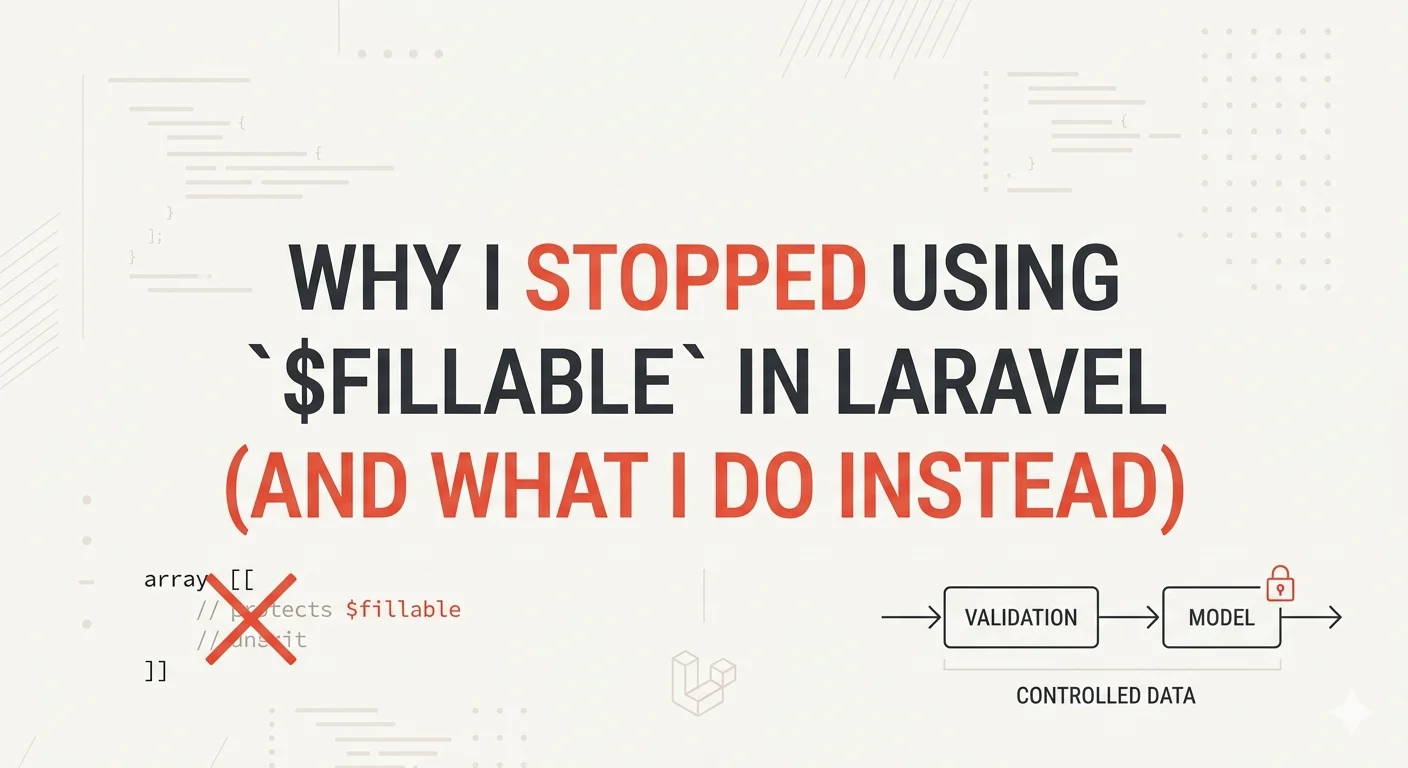
Validate at the boundary
Map only the fields you need
Never let the model decide what's safe
So I unguarded my models
In my service provider:
Model::unguard();
Or per-model:
protected $guarded = [];
Both do the same thing: tell Laravel to stop filtering attributes at the model level.
This isn't reckless. It's the opposite. It forces me to control data flow at the boundary. Validation, explicit field mapping, DTOs. Not a safety net that hides mistakes. When $fillable is gone, you can't be lazy. You have to think about what data enters every model and why.
If bad data reaches Model::create() in an unguarded app, that's a bug in your validation or controller logic. Fix it there, where the actual problem is.
What about Filament?
If your app is primarily a Filament dashboard, you've already solved the problem without realizing it. Filament forms define exactly which fields are editable through the form schema. TextInput::make('name'), Select::make('role'), etc. The form itself is your explicit field mapping. Filament never passes uncontrolled data to the model.
So $fillable is doing nothing except duplicating what the form schema already enforces. You define your fields in the migration, again in the Filament form, and again in $fillable. Three places for the same information.
When $fillable still makes sense
Removing $fillable only pays off when your codebase already has strict validation and explicit field mapping everywhere. If that's not the case, $fillable is doing real work for you.
Quick prototypes. If the app lives for two weeks and gets thrown away, the overhead of strict input control isn't worth it.
Teams still building shared conventions. If not every developer on the team follows validation-first patterns consistently,
$fillablecatches what slips through.Small projects. A simple CRUD app with five models and one developer doesn't need DTOs.
$fillablekeeps things moving.
For larger codebases where validation and explicit mapping are already standard practice, I prefer removing it. At that point $fillable is duplicating protection that exists upstream. But that's how I design my apps, not a universal rule.